Excel and Word Support (Documents Hub + Copilot)
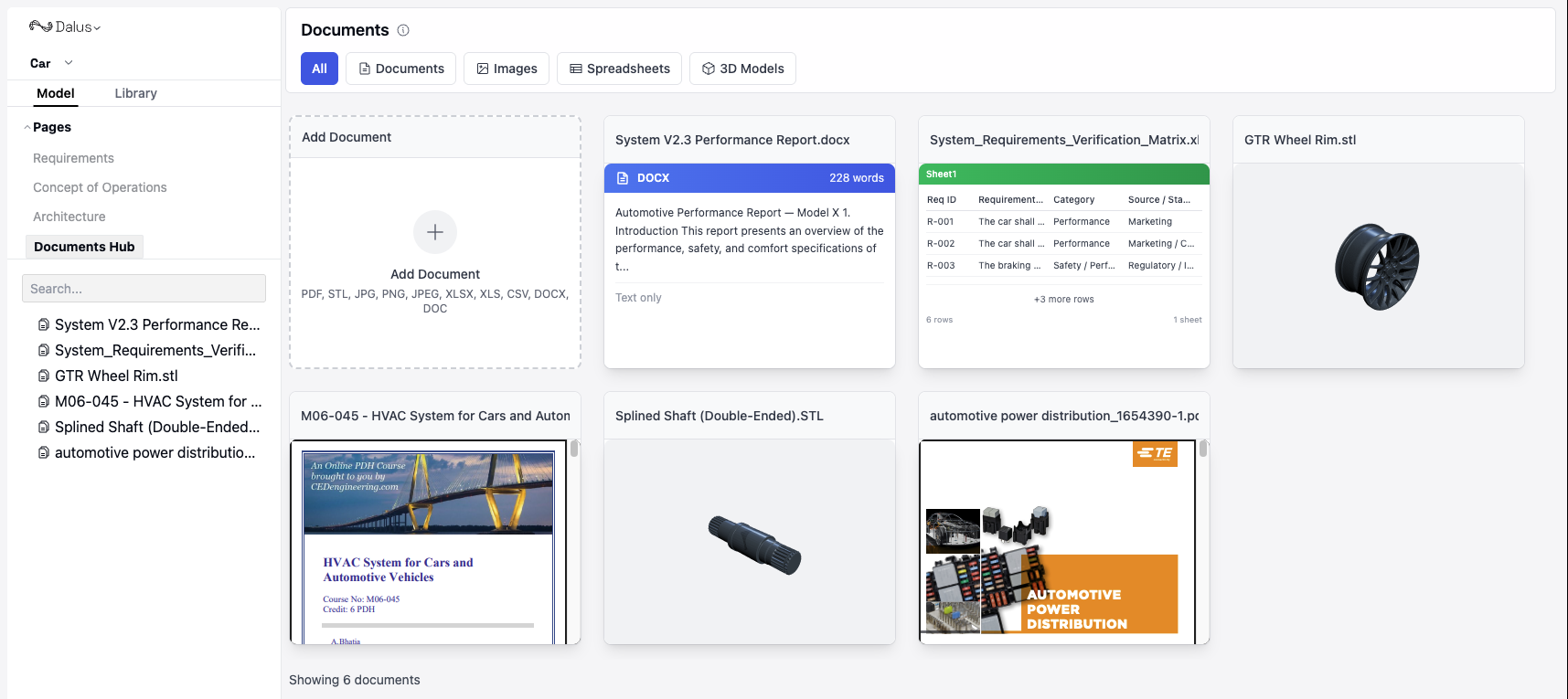
You can now upload and preview Excel and Word files in Documents Hub, and attach Word documents directly to Copilot for grounded assistance.
How to use it:
Open Left Sidebar > Documents Hub
Click + Add Document and select a .xlsx or .docx file.
After uploading, click on its preview to open it.
In Right Sidebar > Copilot, attach the Word doc or Excel sheet from the Documents Hub and ask a question about it.
Improvements
- Node image loading is faster and more resilient
- Requirements import timeout increased for large files
- Requirements table UX: removed function assignment mode; better overflow handling in Display Options
Fixes
- Documents Hub: PDF attachments fixed when sending to Copilot
- Requirements table stability fixes
- Subscription check reliability improvements
- Model preview middleware corrected in edge cases