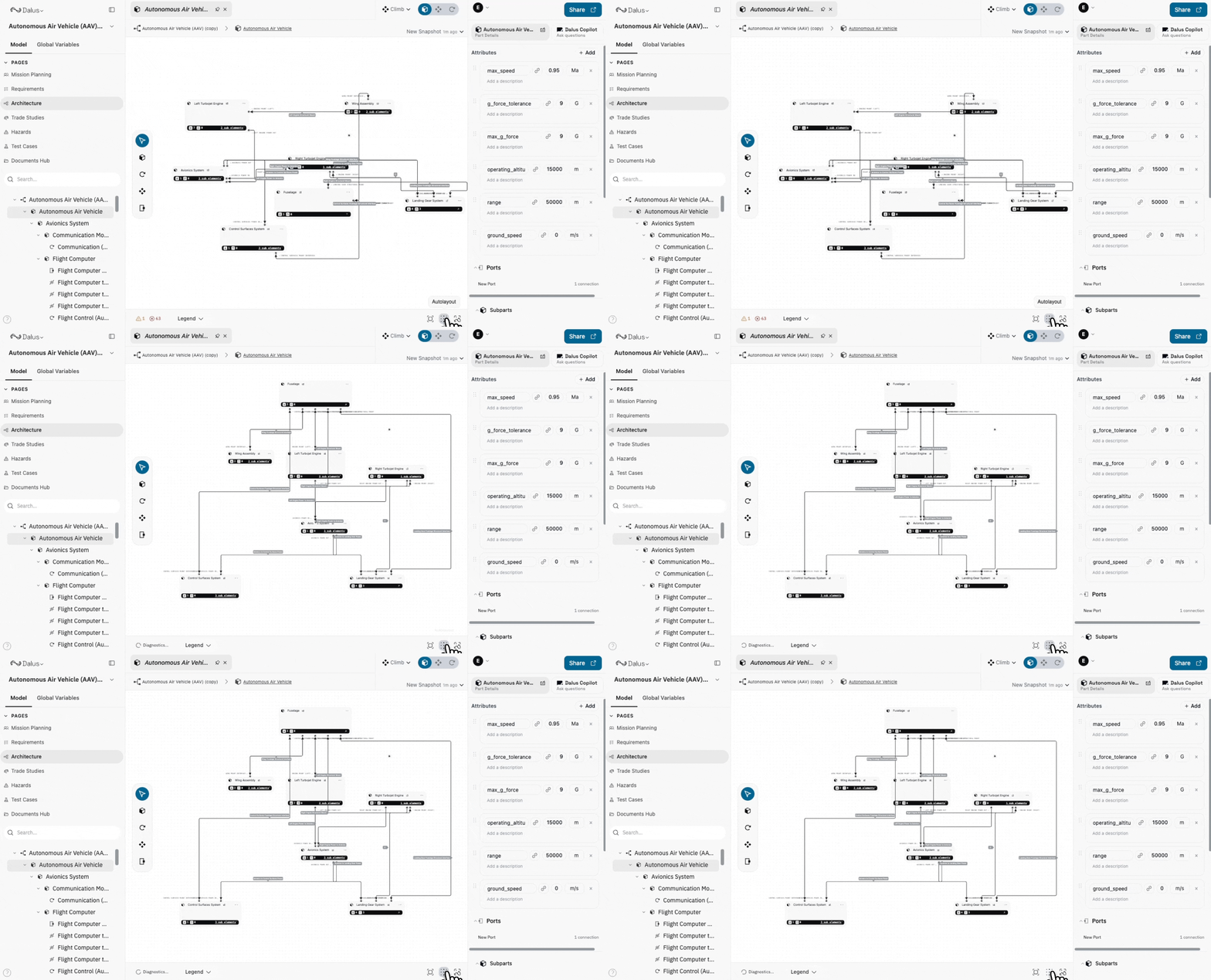
ELK auto-layout for cleaner diagrams
Auto-layout now uses ELK for more consistent spacing and routing.
How to use it:
- Open a diagram and click Auto Layout in the Toolbar
- Review updated spacing and edge routing
- Use the results as a starting point before manual tweaks
Ports redesign
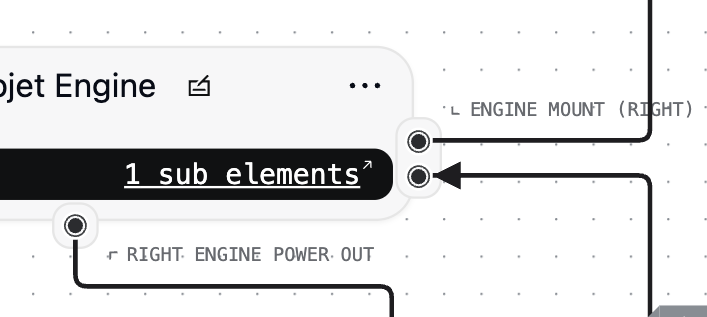
Ports are easier to scan and edit with updated visuals and spacing.
How to use it:
- Select a node to view its ports
- Use the Right Sidebar to add, rename, or reorder ports
- Drag connections to the updated port targets
Script editor tour and error toasts
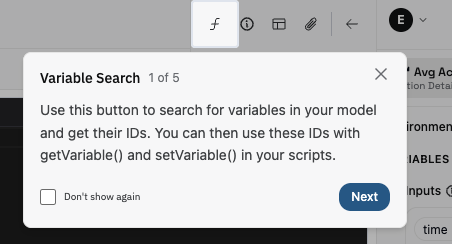
Get a guided walkthrough and clearer feedback when scripts fail.
How to use it:
- Open the Script Editor from a script-enabled node
- Follow the guided tour to learn key areas
- When a script fails, review the inline error toast for next steps
Improvements
- Port tab positions now stay aligned after auto-layout
- Added amp-hours to the units library
- General UI polish across diagrams and panels
Fixes
- Reconnect context clears correctly after connection issues
- Dashboard quickstart link now points to the correct destination