Your AI-Powered
Systems Engineer
Accelerate your workflow with an AI assistant that generates system architectures from requirements, retrieves information from your engineering knowledge base, and proactively identifies potential issues in your designs.
Book a demo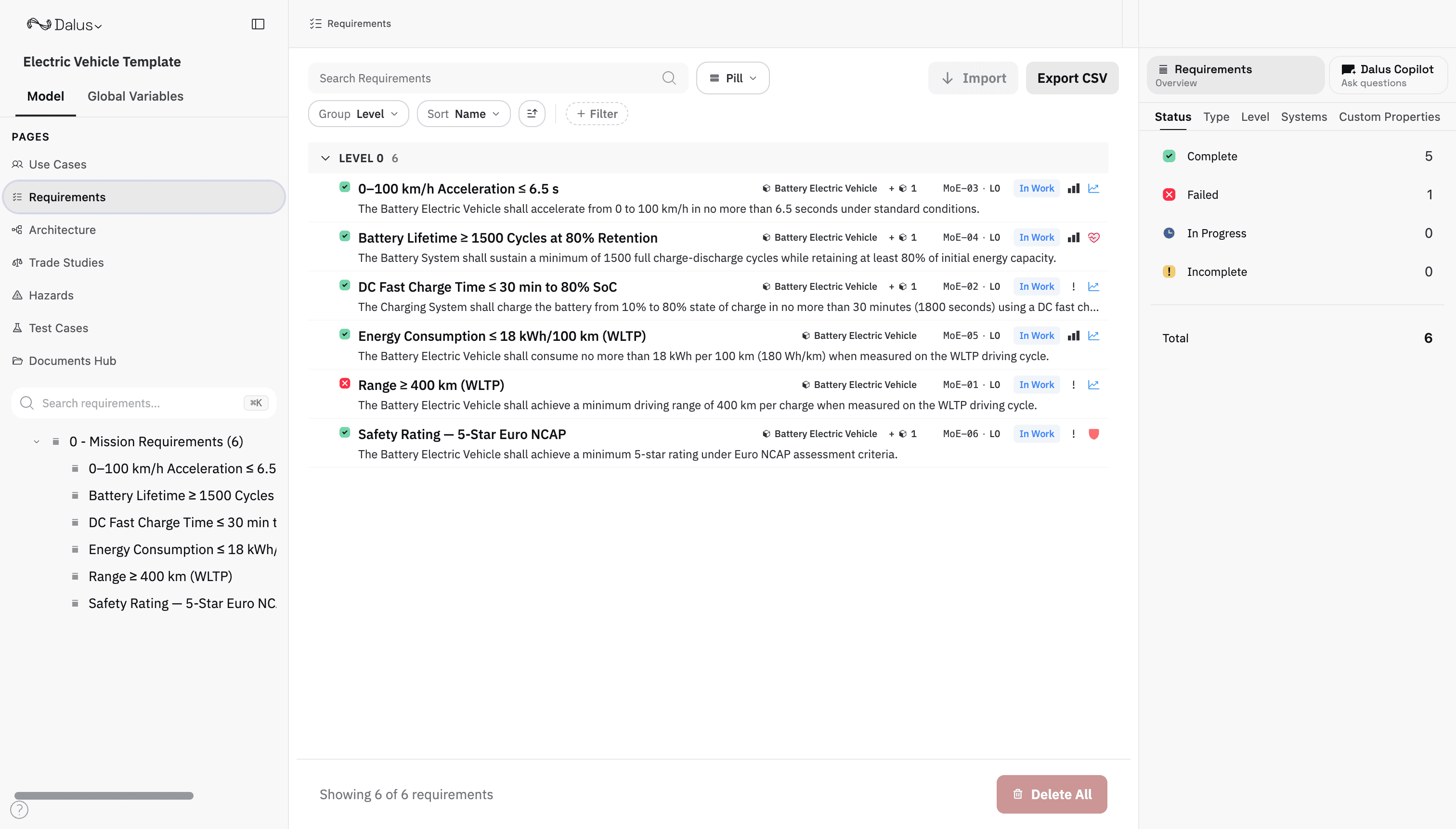
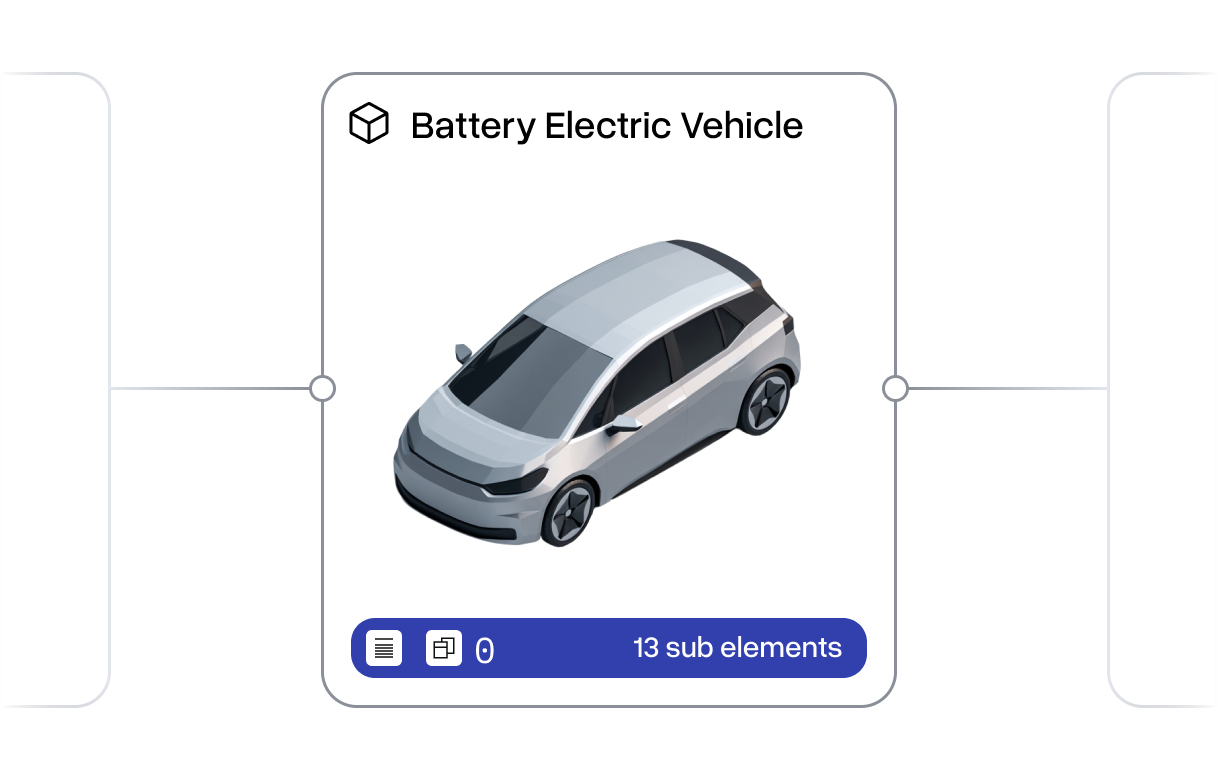
Generate system architectures based on extracted requirements. Dalus Copilot analyzes your requirements and automatically creates structured system models, saving hours of manual work.
 Auto-generate block diagrams from requirements
- Create hierarchical system structures
- Suggest component relationships
- Map requirements to design elements
Teach Copilot how your team works
Skills and rules are shared across every model in your team, so Copilot follows the same playbook no matter who is asking.
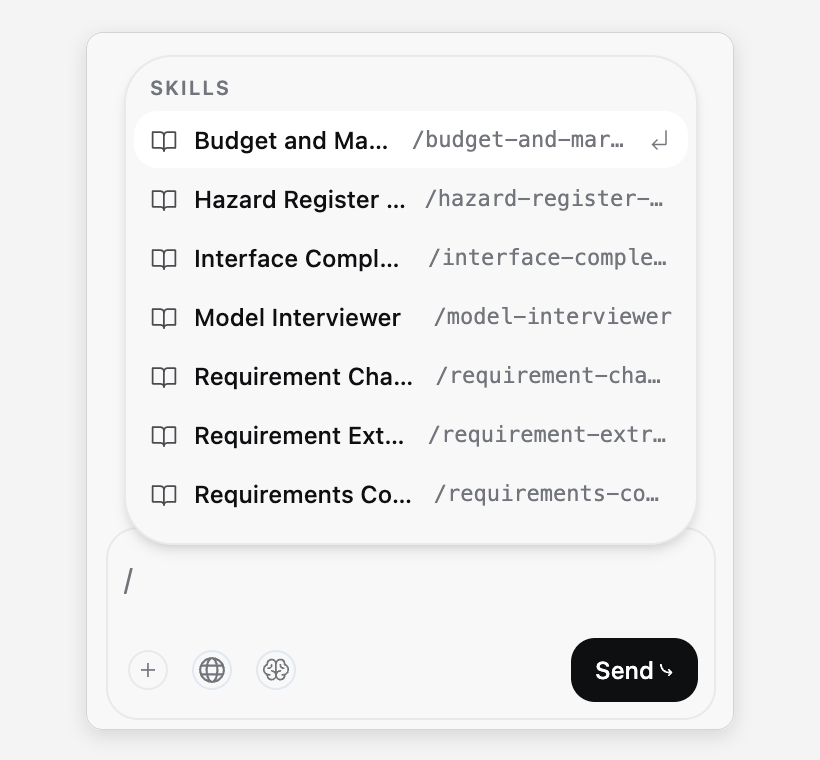
Skills
Type / in the chat to run a saved workflow, like a requirements coverage report or a hazard register review. Copilot also picks up a skill on its own when your request matches it.
- Add ready-made skills from the directory
- Write your own in Markdown or upload a SKILL.md
- Let Copilot draft one for you with /skill-creator
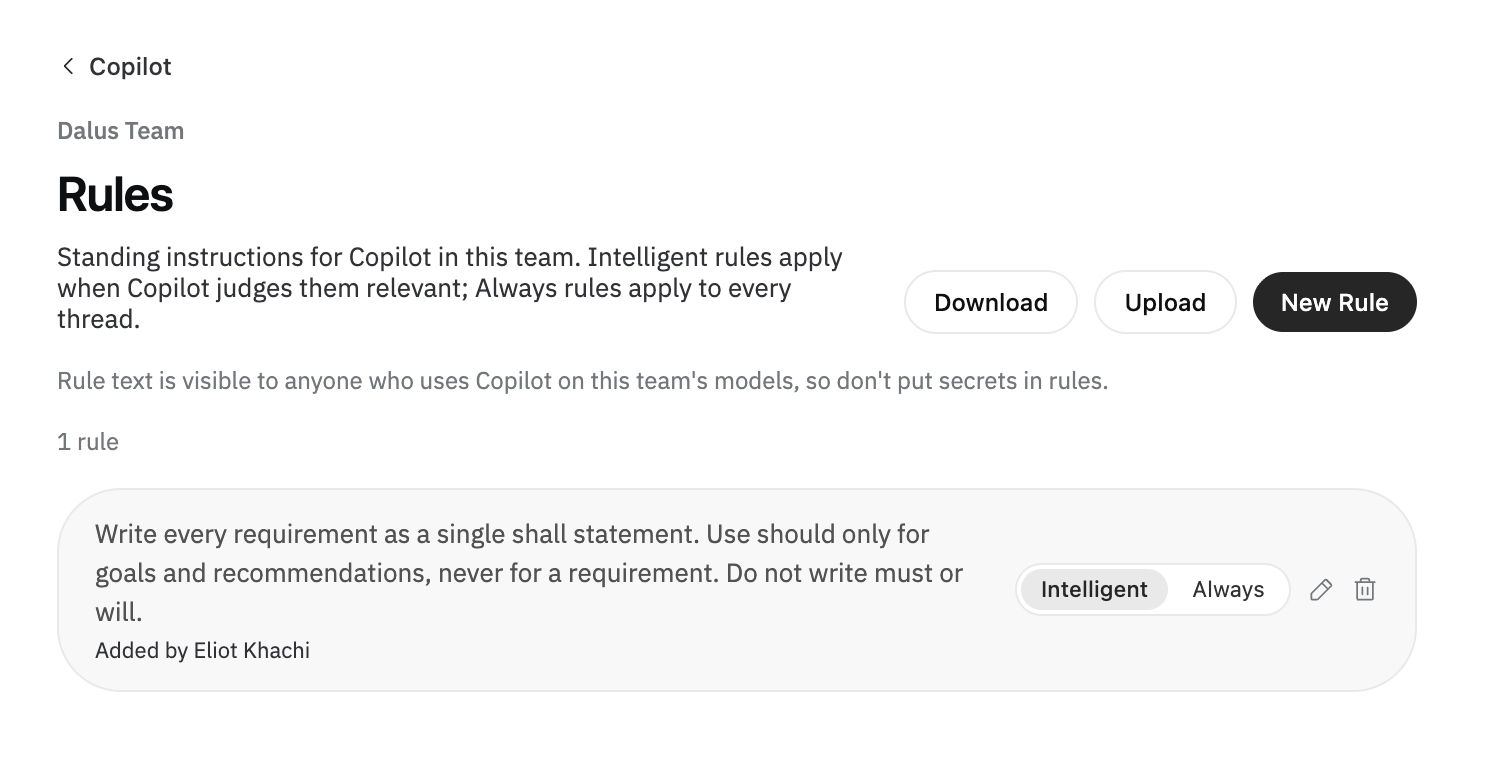
Rules
Standing instructions Copilot follows without being reminded, such as how requirements are worded or where customer IDs go.
- Always rules apply to every thread
- Intelligent rules apply when Copilot finds them relevant
- Import and export them as a RULES.md file
How Copilot works
Copilot works inside your model, not next to it. It reads what is there, changes it in place and shows you exactly what it did.
- Knows your whole modelParts, ports, connections, states and requirements, and how they relate. Attach specific elements to focus it on one area.
- Uses your documentsAttach PDFs, Word, Excel or images up to 20 MB, use files from the Documents Hub, or turn on web search for standards and datasheets.
- Shows every changeEdits land in the model as Copilot works, with a list of every element it added, updated or removed.
- Undo with checkpointsRestore any earlier message to roll the model back to where it was at that point in the conversation.
- Explains its reasoningEach change ends with a short summary of the approach, the decisions it made and any assumptions to check.
- Reviews on demandGenerate AI warnings in Diagnostics Results for a design review that goes beyond the built-in checks.
Explore other features
- Learn more
System Architecture
Decompose your system into subsystems, parts, and interfaces for your structural architecture.

- Learn more
Requirements Management
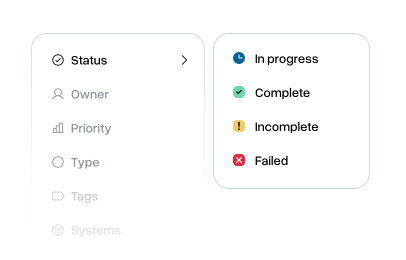
Stay on top of requirements by tracking statuses, assigning engineers, and ensuring real-time updates.
- Learn more
Mission planning
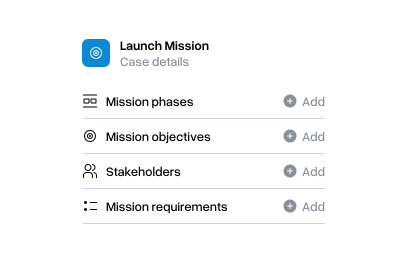
Define missions and use cases, manage stakeholders, and track program phases from concept to disposal.
- Learn more
Test Cases
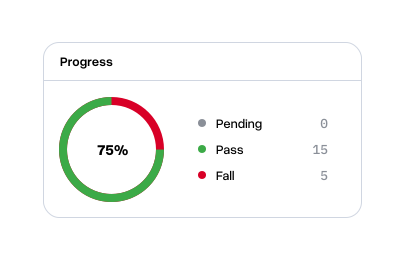
Plan, execute, and track verification and validation tests with step-by-step procedures and full traceability.
- Learn more
Analysis & Verification
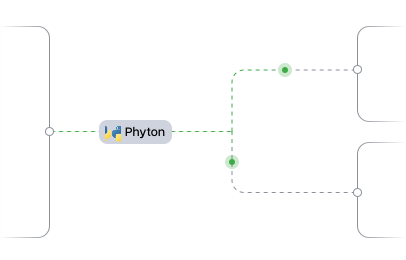
Verify your requirements by tightly coupling behavior and simulation. Run Python scripts for different states and functions.
- Learn more
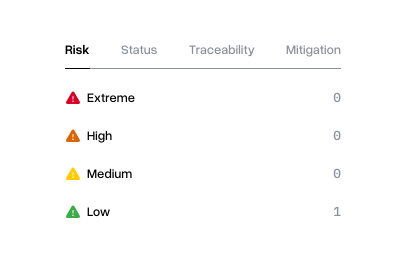
Safety & Hazards
Identify hazards, assess risk using severity and likelihood scales, and document controls that reduce risk to acceptable levels.
Use Dalus from your AI assistant
and your everyday tools
The Dalus MCP Connector gives Claude, ChatGPT and other AI assistants direct access to your model. Pair it with Jira, GitHub or Excel, and your assistant can work across all of them at once.
Generate a design review, test plan or ICD straight from your Dalus model.

FAQs
Everything you need to know before you get started.
Yes. Excel and CSV files import directly, and so do ReqIF files, the exchange format DOORS and Jama export, with source IDs and hierarchy kept. For Word documents, save them as PDF and use AI extraction, then review what it found before you continue.
Can’t find what you’re looking for?
Contact us
Let’s discuss your
systems engineering challenges
Tell us what you’re building, and we’ll show you how Dalus can help.

30-minute discovery call with Sebastian
Co-founder, Dalus
No time that works? Send us a message and we’ll find one.