Every requirement, connected to everything
Capture, organize, and track requirements throughout the product lifecycle. With real-time collaboration, status tracking, and traceability, you can ensure every requirement is accounted for and properly implemented.
Book a demoHow it works
Four steps from a spreadsheet of statements to requirements that check themselves against the design.
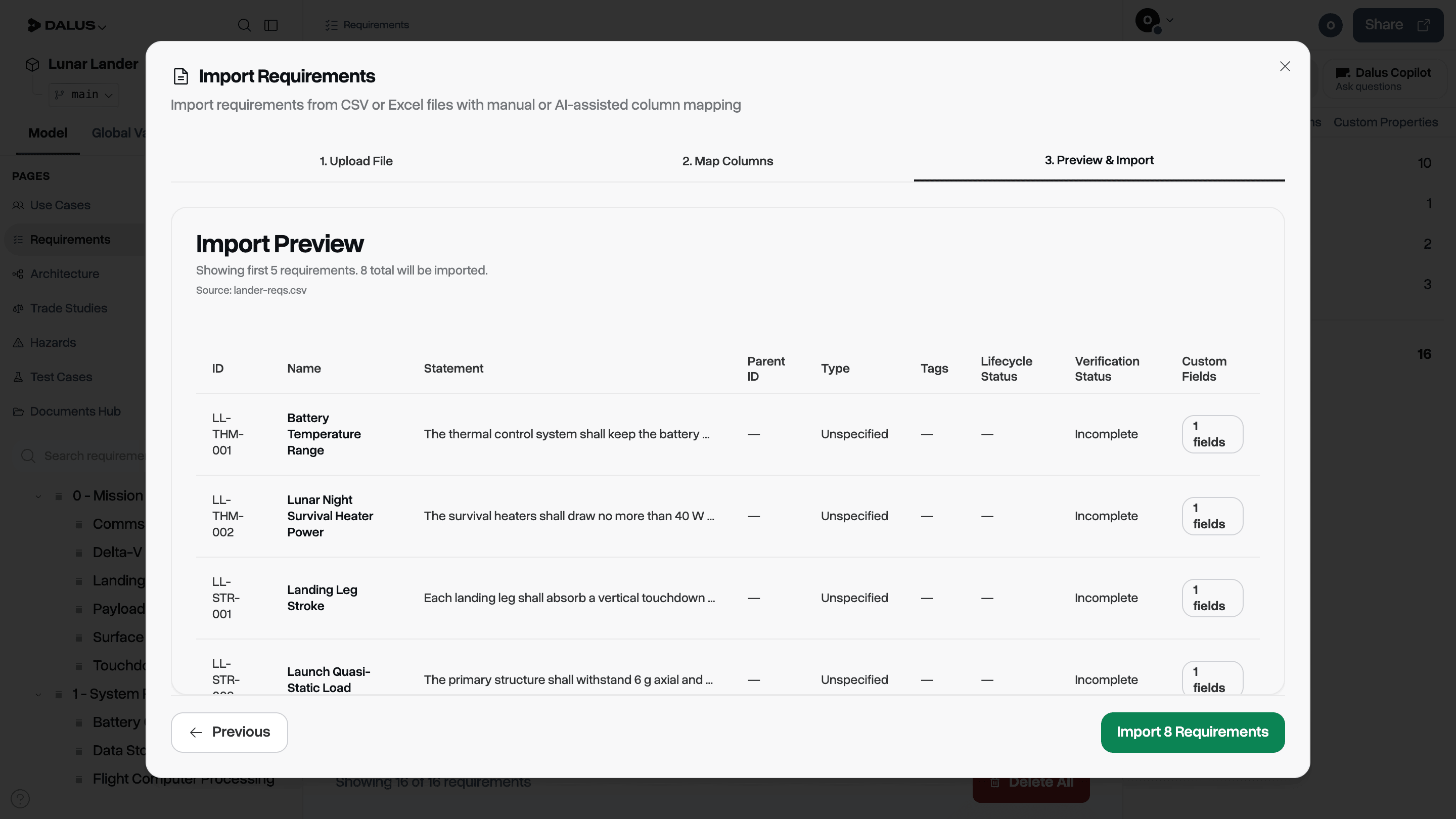
Bring in what you have
Import Excel or CSV files and let AI map the columns to Dalus fields, bring in ReqIF from tools like DOORS, or extract requirements from a PDF specification. Review every row before it lands in the model.
Organize and own them
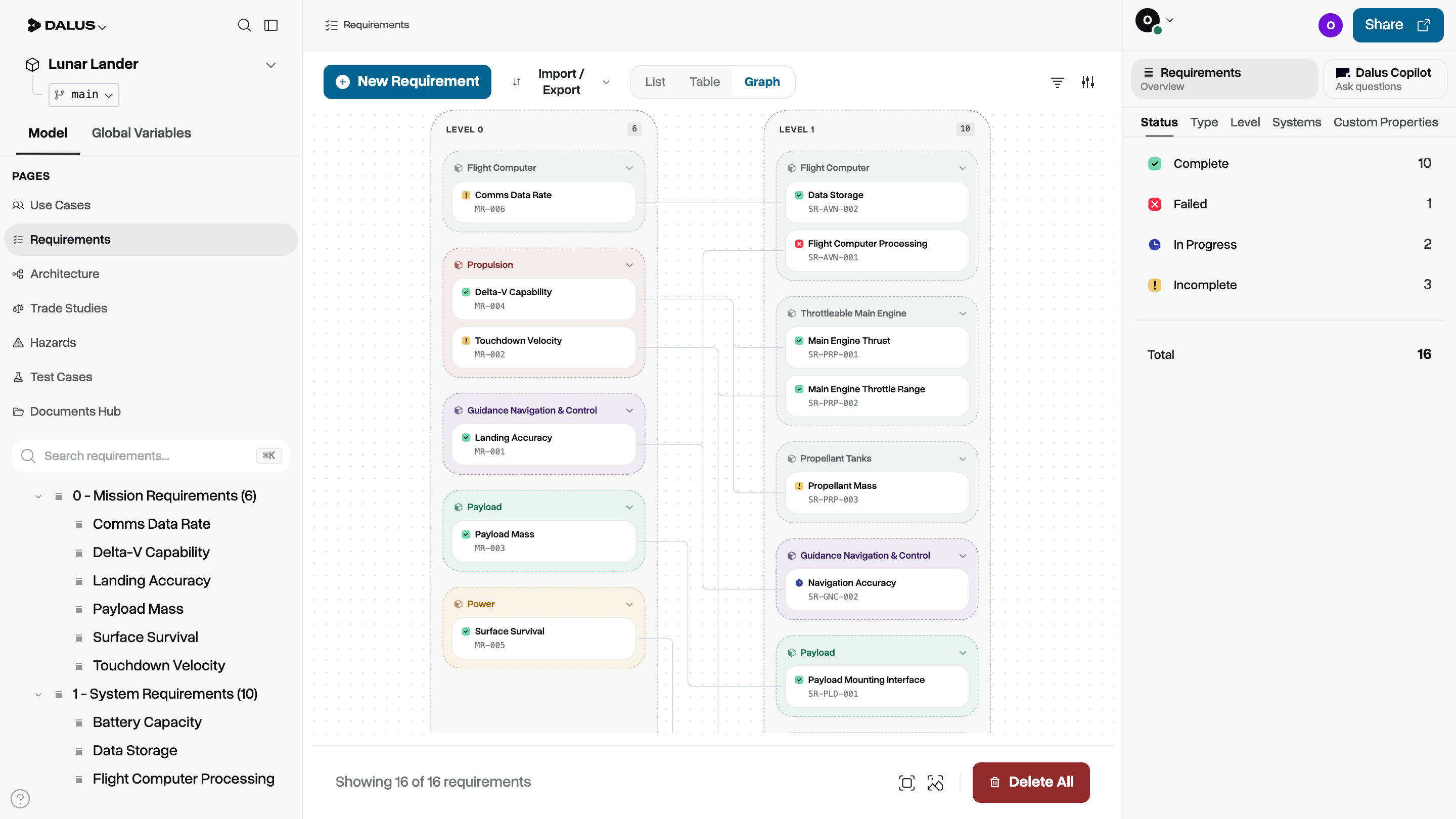
Break large statements into sub-requirements, assign each one to the parts responsible for it, and track owner, priority and status. Switch between list, table and graph views as the work needs.
Tie them to real numbers
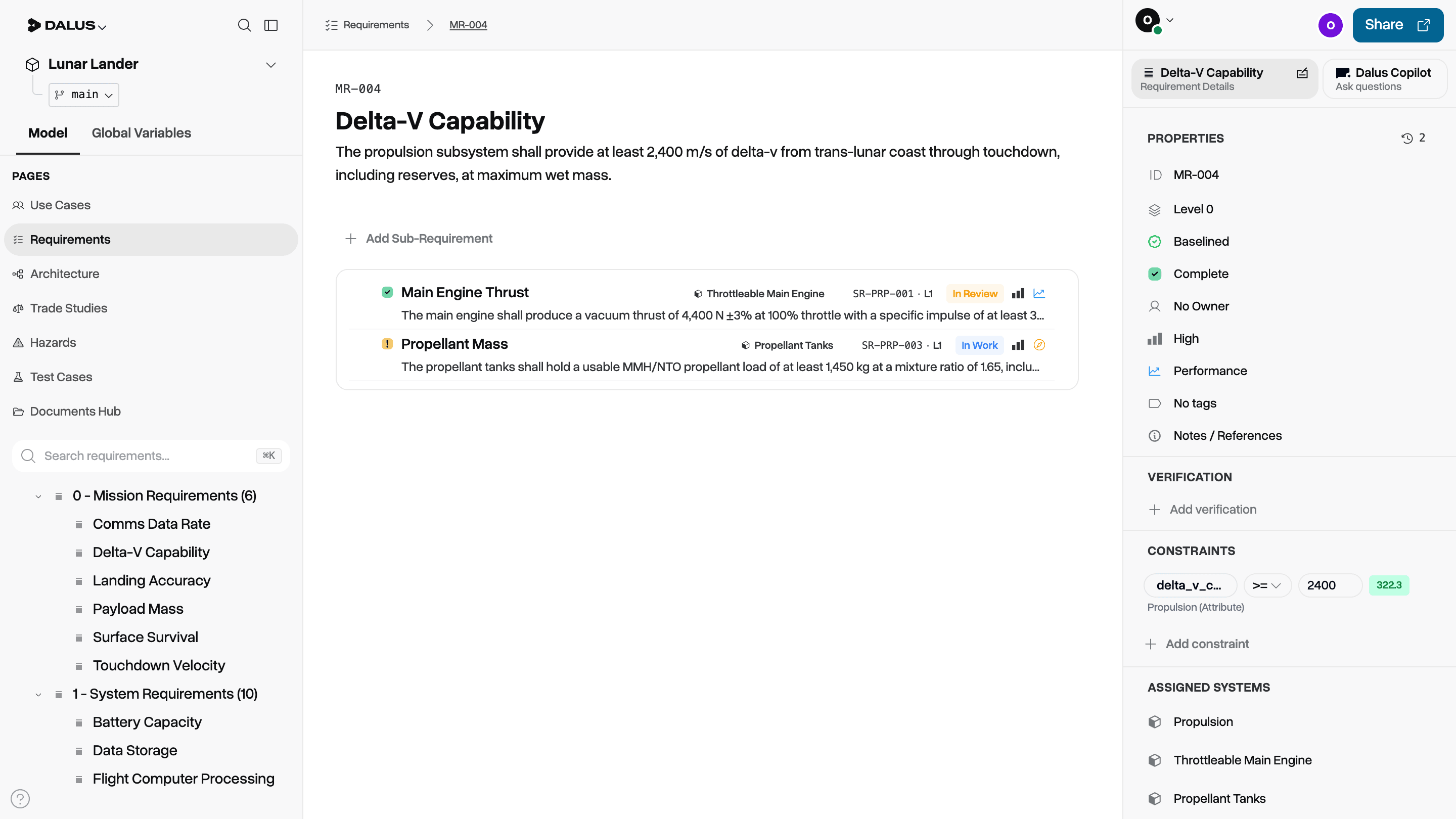
Add constraints that bind a requirement to live values in the model, like thrust or firing duration. When the design changes, Dalus recalculates and marks the requirement complete, in progress or failed.
Review and baseline
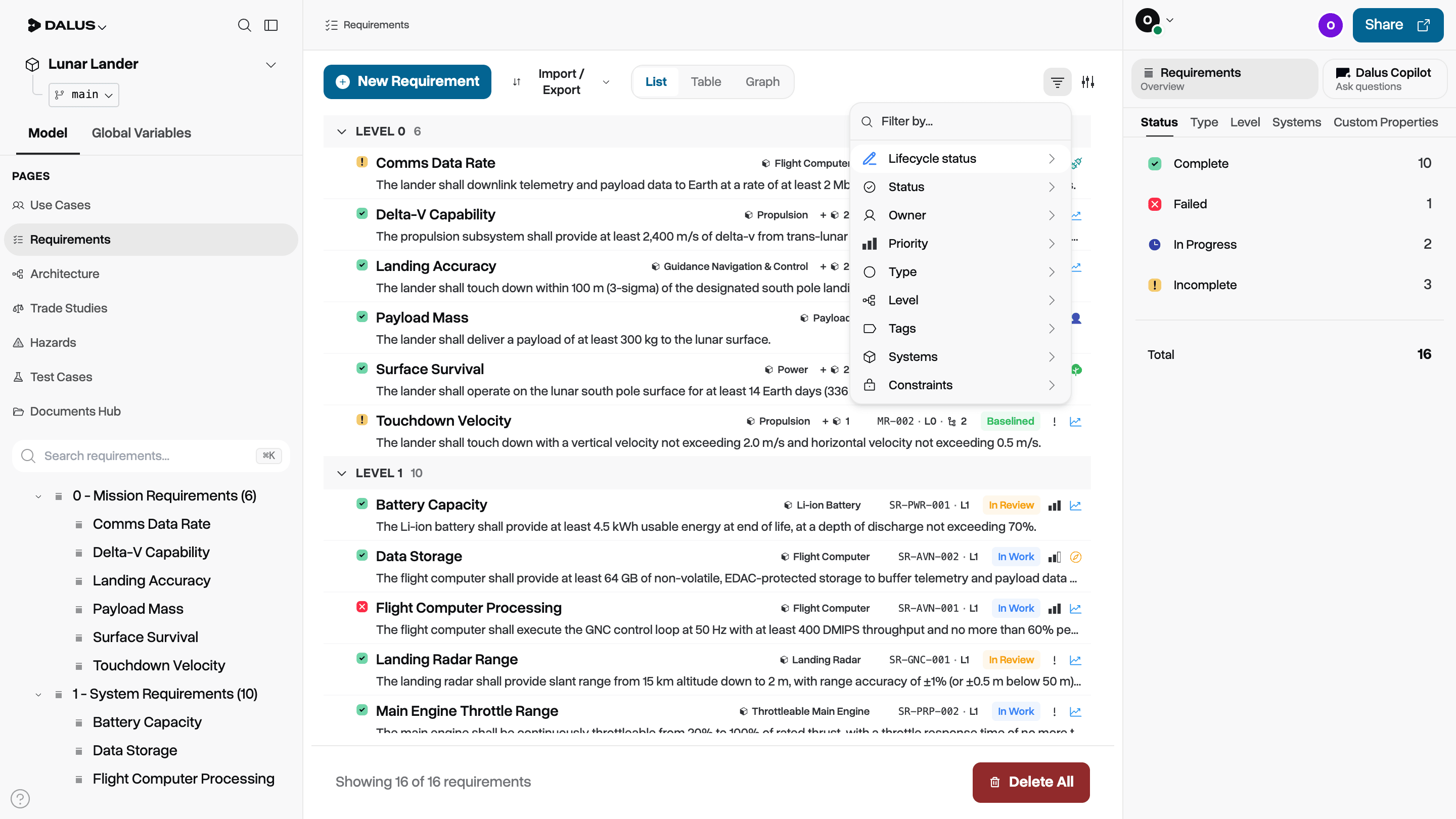
Filter by lifecycle status, owner, priority, type, tags or assigned systems to find what needs attention. Move requirements from in work to in review to baselined, and export to CSV when you need it.
Key capabilities
- Hierarchy, table and graph views
- Custom properties and status tracking
- Link to parts, connections and test cases
- Change log and branch-based review
- Import from Word, Excel, PDF, ReqIF and Jama
- AI extraction and gap checks
Connected to the rest of your model
Requirements don't live in a separate document. They come from mission objectives, are assigned to the parts that meet them and are verified by tests, so you always know what is covered and what isn't.
Let Copilot do the first draft
Dalus Copilot works on the same model. Ask it to set things up, fill gaps or check your work, then review what it changed.
More about Dalus Copilot
“Dalus helped us bring structure and traceability to our IoT system development”

Matthias Priebe
Systems Engineer, IOX Lab
- 10xfaster requirements reviews
- 0spreadsheets left
- 3xfaster customer sign-off
Explore other features
- Learn more
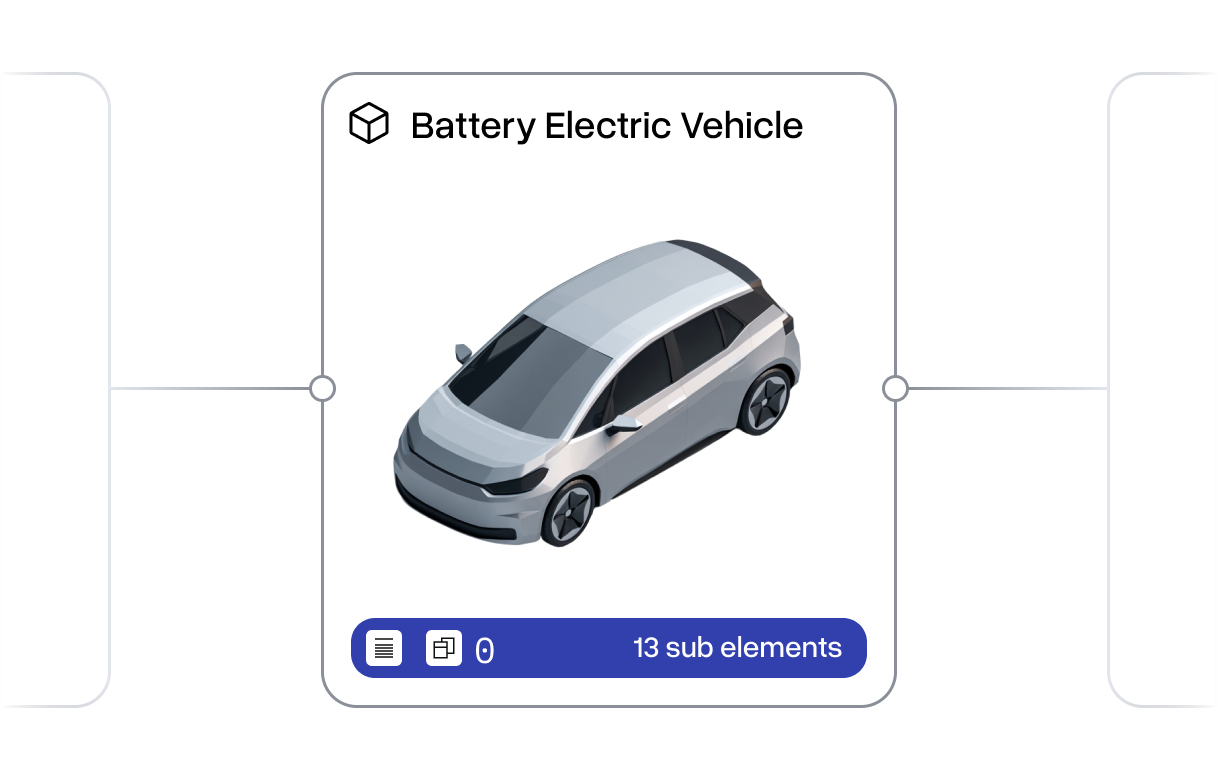
System Architecture
Decompose your system into subsystems, parts, and interfaces for your structural architecture.
- Learn more
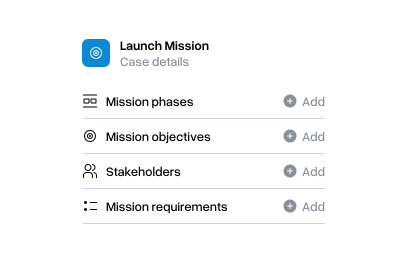
Mission planning
Define missions and use cases, manage stakeholders, and track program phases from concept to disposal.
- Learn more
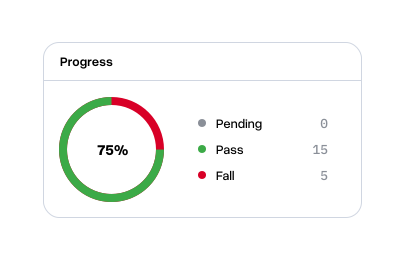
Test Cases
Plan, execute, and track verification and validation tests with step-by-step procedures and full traceability.
- Learn more
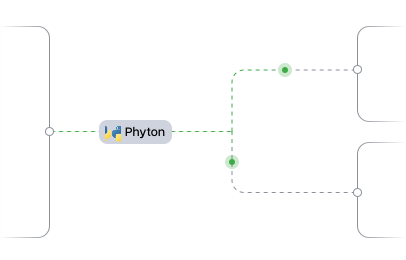
Analysis & Verification
Verify your requirements by tightly coupling behavior and simulation. Run Python scripts for different states and functions.
- Learn more
Safety & Hazards
Identify hazards, assess risk using severity and likelihood scales, and document controls that reduce risk to acceptable levels.
FAQs
Everything you need to know before you get started.
Yes. Excel and CSV files import directly, and so do ReqIF files, the exchange format DOORS and Jama export, with source IDs and hierarchy kept. For Word documents, save them as PDF and use AI extraction, then review what it found before you continue.
Can’t find what you’re looking for?
Contact us

Let’s discuss your
systems engineering challenges
Tell us what you’re building, and we’ll show you how Dalus can help.

30-minute discovery call with Sebastian
Co-founder, Dalus
No time that works? Send us a message and we’ll find one.