Test with confidence,
report with ease
Write test procedures, schedule runs, log results, and trace everything back to requirements, with audit-ready reports in a click.
Book a demoHow it works
Four steps from a test plan to an audit-ready report, all traced to the requirements they verify.
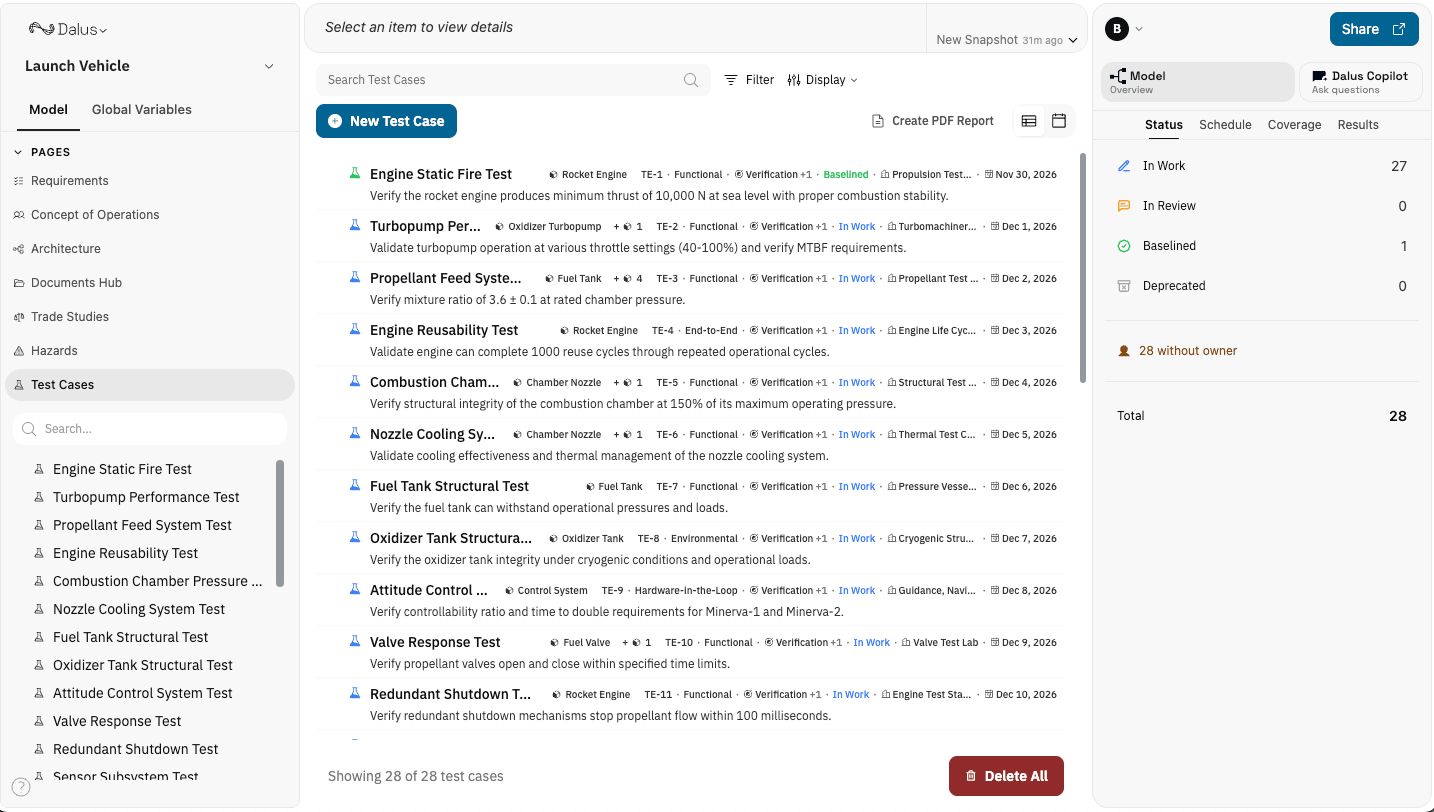
Plan your test campaign
Create test cases with automatic IDs, set their type and purpose, and link each one to the parts under test and the requirements it verifies, with a rationale for every link.
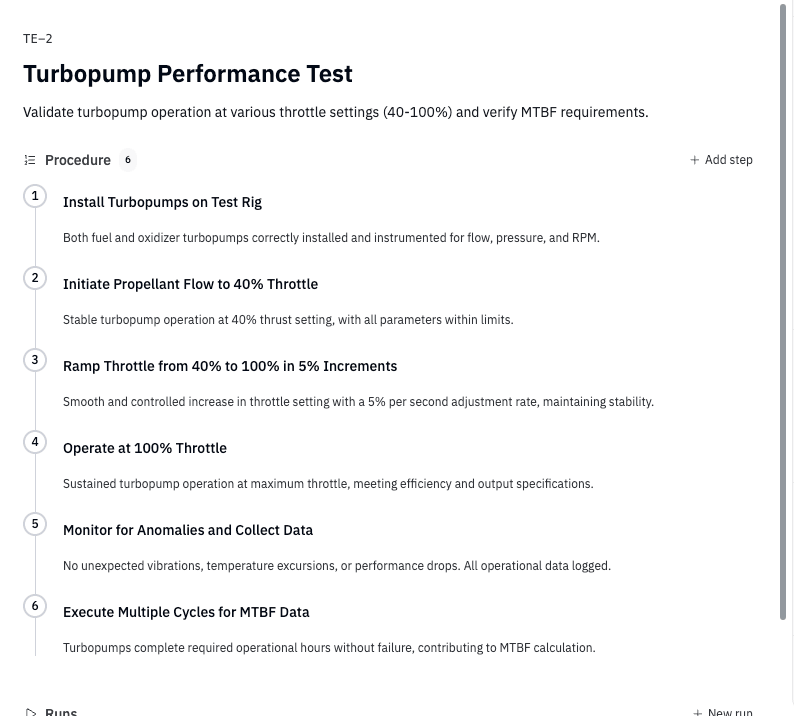
Write the procedure
Break each test into clear steps, each with the action to take and the expected result, so anyone on the team can run it the same way.
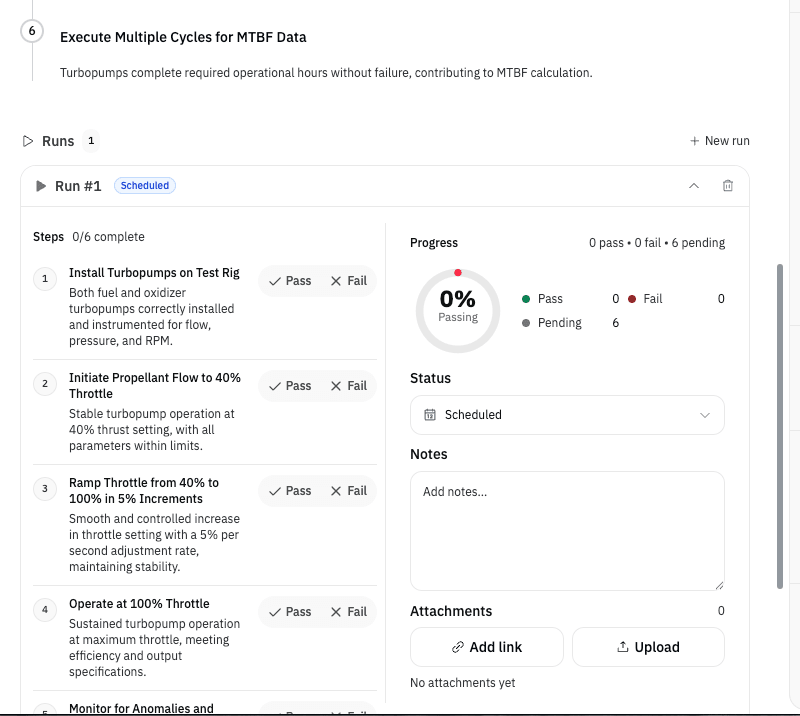
Run it and record the results
Start a run, mark each step pass or fail, and watch the progress update. Attach test data, photos, logs and anomaly reports, and keep every retest as its own run.
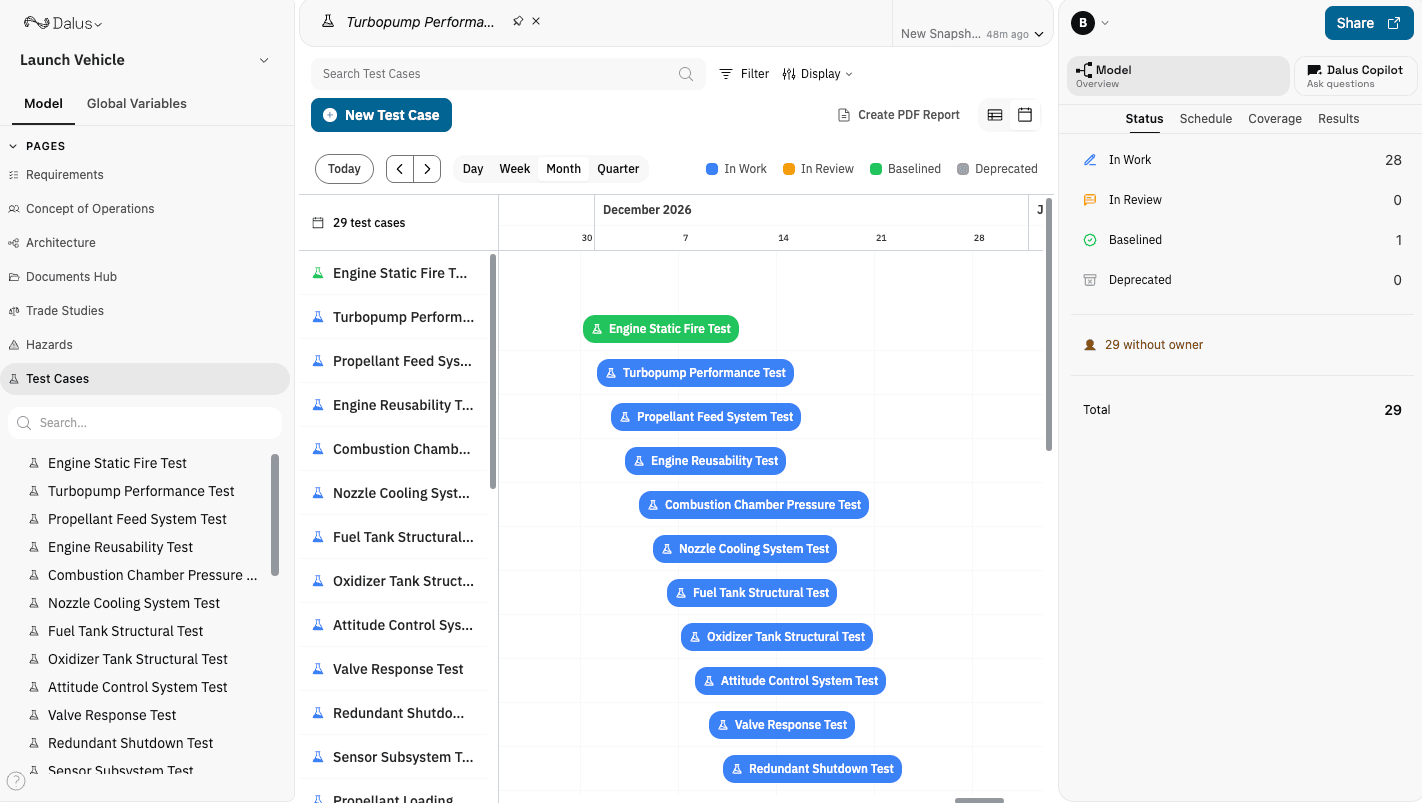
Schedule and report
See every test on a timeline by facility and date, colored by status. When it's time for a review, export a report with procedures, run results and traceability.
Key capabilities
- Step-by-step test procedures
- Pass/fail recording with evidence attachments
- Multiple test runs per test case
- Timeline and list views
- Traceability to requirements and parts
- Test report generation for audits
Connected to the rest of your model
Tests don't live in a separate spreadsheet. Each one links to the requirements it verifies and the parts it covers, so you can see what is verified, what is still open, and what a failed run affects.
Let Copilot do the first draft
Dalus Copilot works on the same model. Ask it to set things up, fill gaps or check your work, then review what it changed.
More about Dalus Copilot
“Dalus helped us bring structure and traceability to our IoT system development”

Matthias Priebe
Systems Engineer, IOX Lab
- 10xfaster requirements reviews
- 0spreadsheets left
- 3xfaster customer sign-off
Explore other features
- Learn more
System Architecture
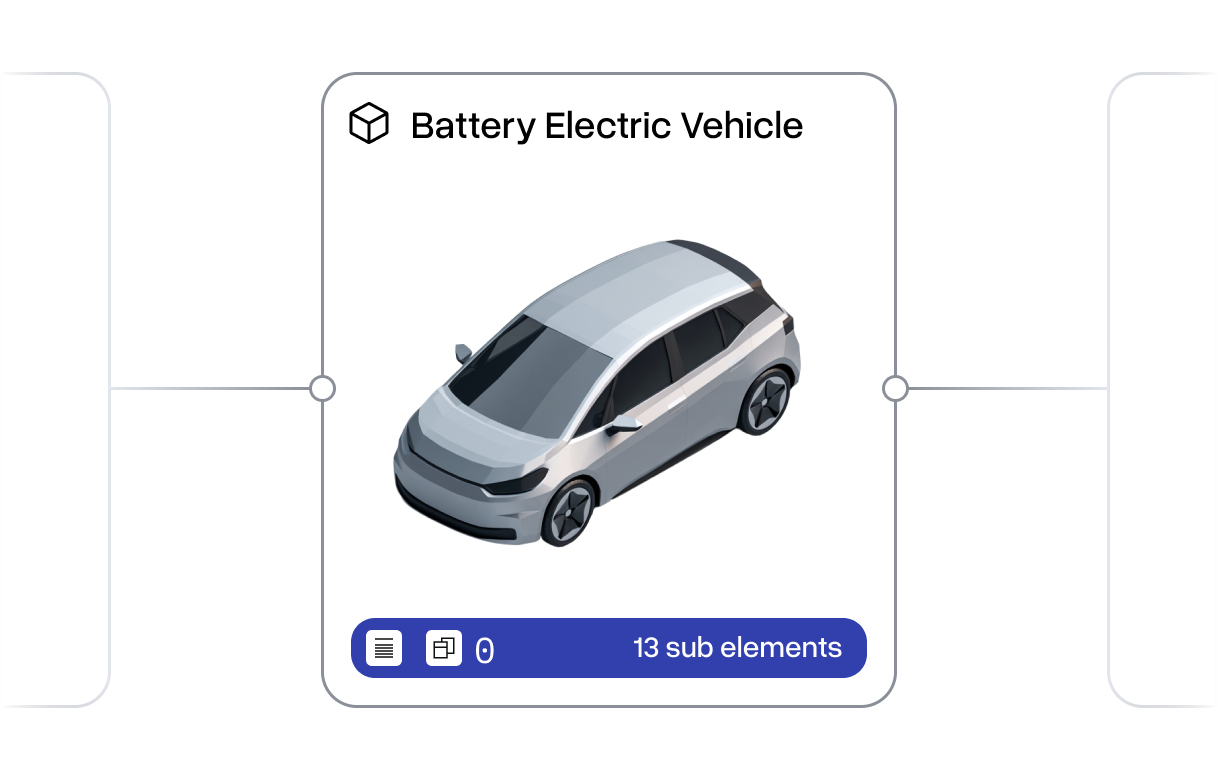
Decompose your system into subsystems, parts, and interfaces for your structural architecture.
- Learn more
Requirements Management
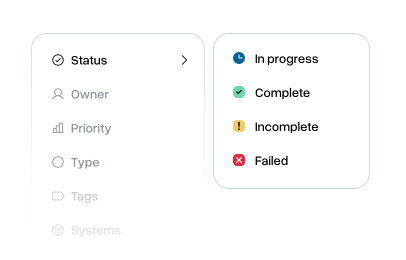
Stay on top of requirements by tracking statuses, assigning engineers, and ensuring real-time updates.
- Learn more
Mission planning
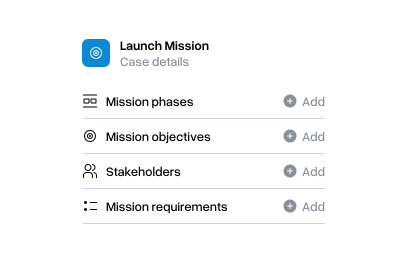
Define missions and use cases, manage stakeholders, and track program phases from concept to disposal.
- Learn more
Analysis & Verification
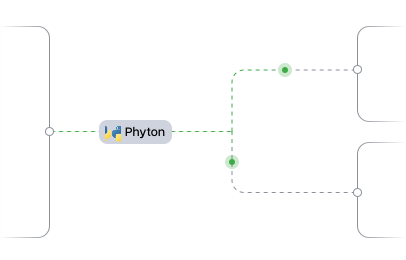
Verify your requirements by tightly coupling behavior and simulation. Run Python scripts for different states and functions.
- Learn more
Safety & Hazards
Identify hazards, assess risk using severity and likelihood scales, and document controls that reduce risk to acceptable levels.
FAQs
Everything you need to know before you get started.
Yes. Each test case can have any number of runs, for example retests or different configurations. Every run has its own status (scheduled, in progress, passed, failed or blocked) and a pass or fail result for each procedure step.
Can’t find what you’re looking for?
Contact us

Let’s discuss your
systems engineering challenges
Tell us what you’re building, and we’ll show you how Dalus can help.

30-minute discovery call with Sebastian
Co-founder, Dalus
No time that works? Send us a message and we’ll find one.