Verify your design before
you build it
Connect your system model to Python and other analysis tools, and run simulations that verify your design meets every requirement.
Book a demoHow it works
Four steps from a design question to an answer you can trace back to the model.
Turn calculations into actions
Add an action to a part and give it inputs and outputs with values and units. Link them to attributes in the model, so every calculation works on the same numbers as your design.
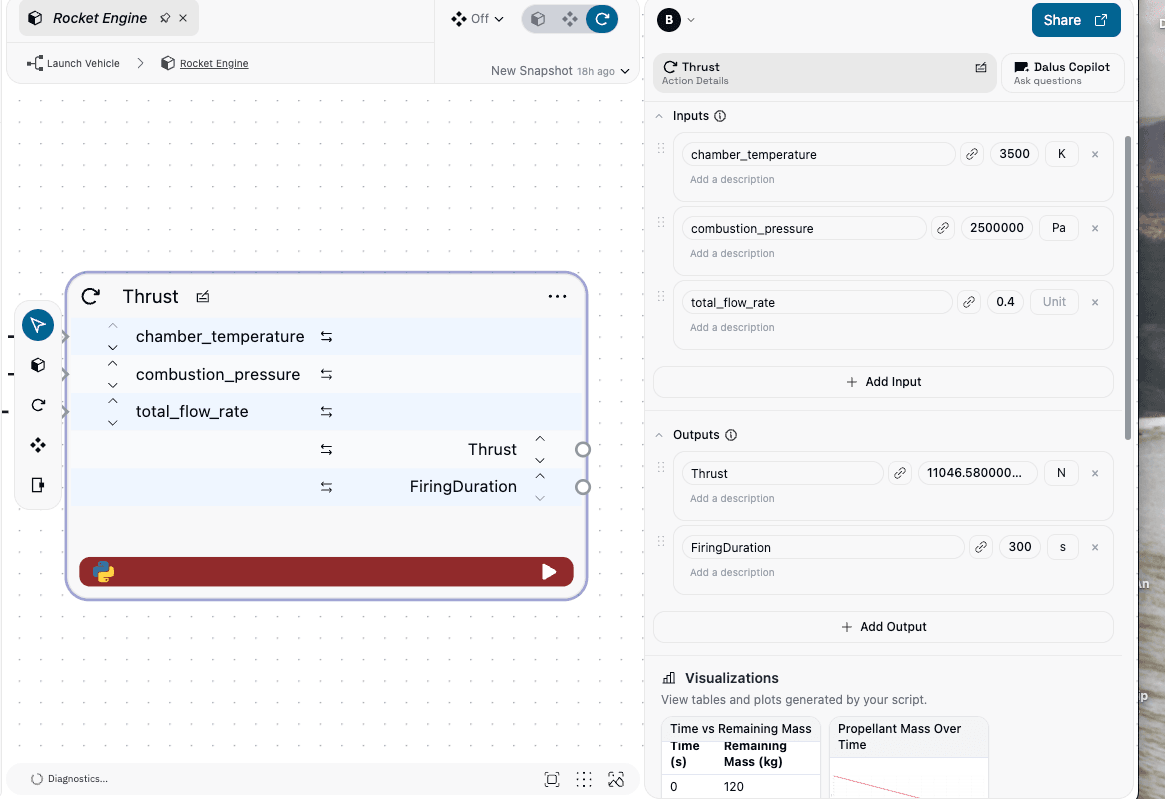
Write the analysis in Python or Excel
Open the action to write a Python script in the built-in editor, or bind it to an Excel workbook. Run it and see the console output and updated outputs right away.
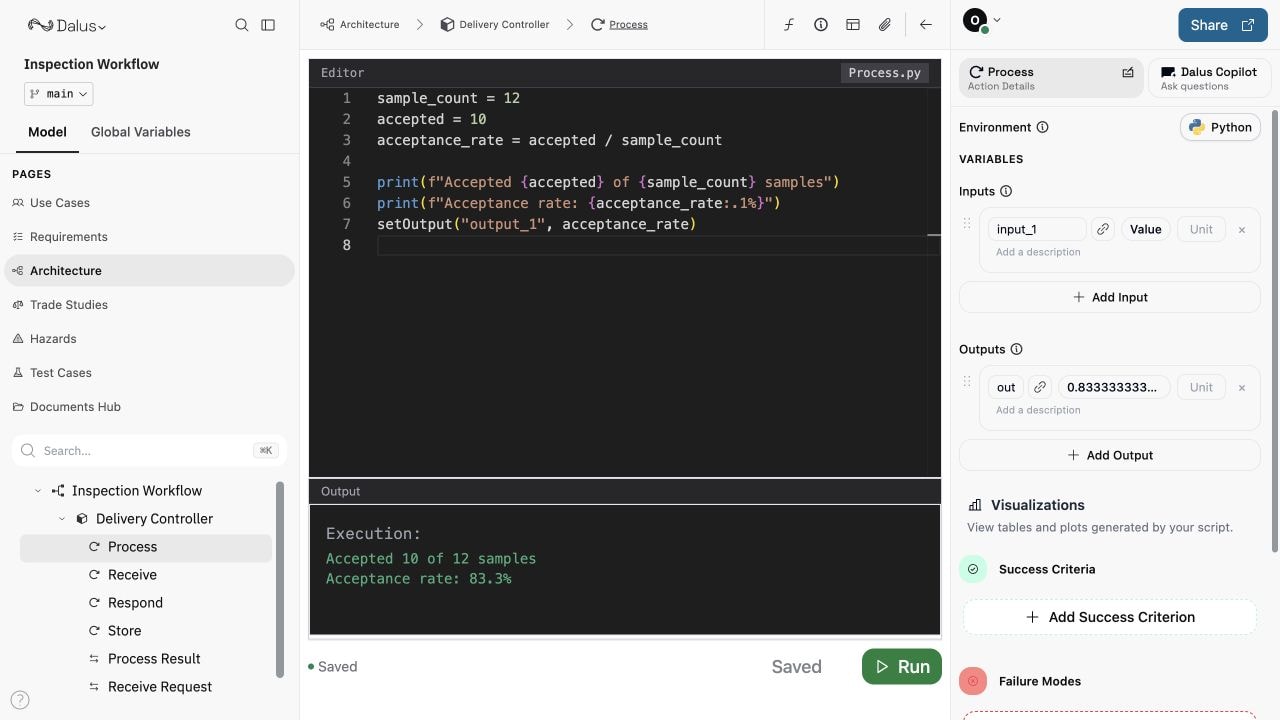
See the results
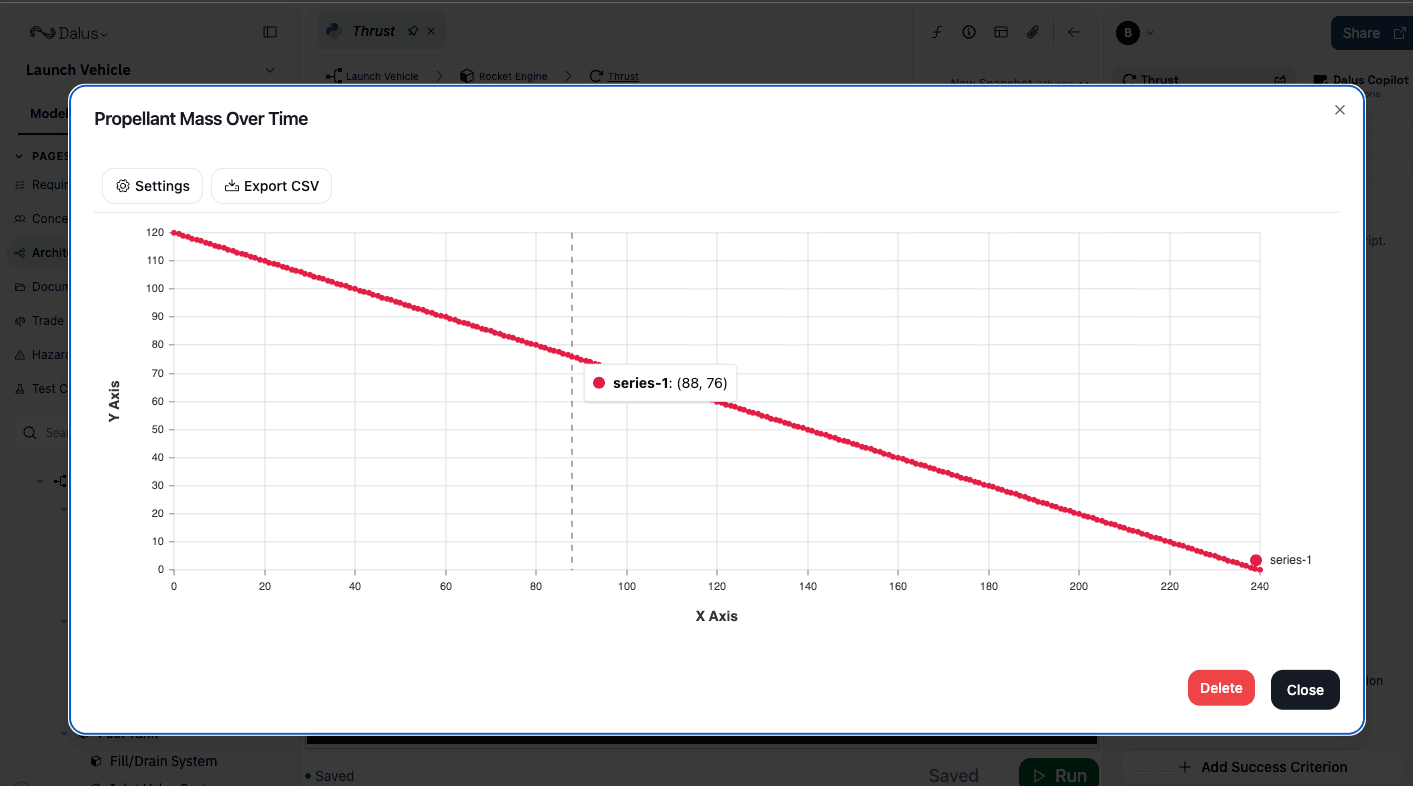
Scripts can produce tables, line charts and pie charts that appear next to the action. Export the data as CSV when you need it elsewhere.
Compare the alternatives
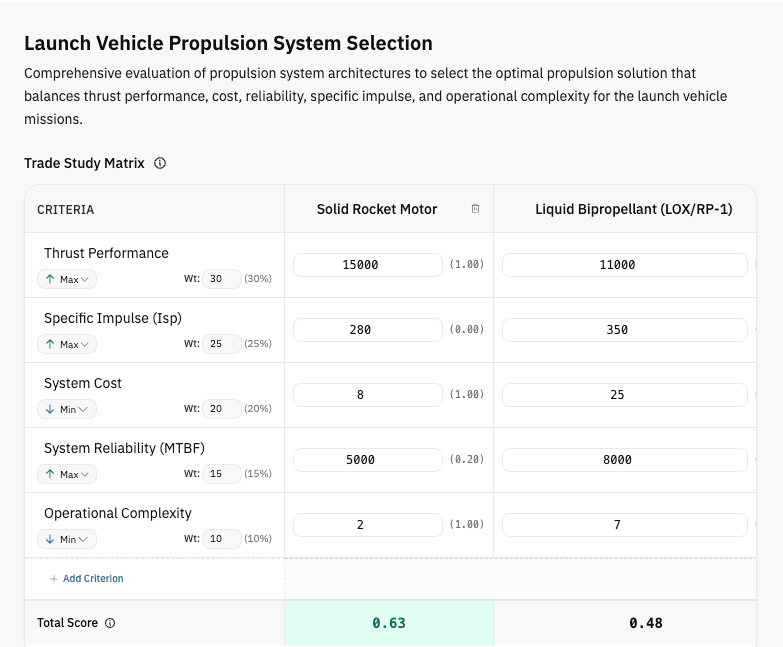
Weigh design options in a trade study: set criteria to maximize, minimize or hit a target, give them weights, and score each alternative. Dalus normalizes the scores and shows the best option.
Key capabilities
- Python script integration
- Excel integration
- Parametric analysis
- State machine simulation
- Automated verification
- Results traceability
Connected to the rest of your model
Analyses run on the parts and values in your model, not on a copy in a separate spreadsheet. When the design changes, the next run uses the new numbers, and the results stay linked to the requirements and tests they support.
Let Copilot do the first draft
Dalus Copilot works on the same model. Ask it to set things up, fill gaps or check your work, then review what it changed.
More about Dalus Copilot
“Dalus helped us bring structure and traceability to our IoT system development”

Matthias Priebe
Systems Engineer, IOX Lab
- 10xfaster requirements reviews
- 0spreadsheets left
- 3xfaster customer sign-off
Explore other features
- Learn more
System Architecture
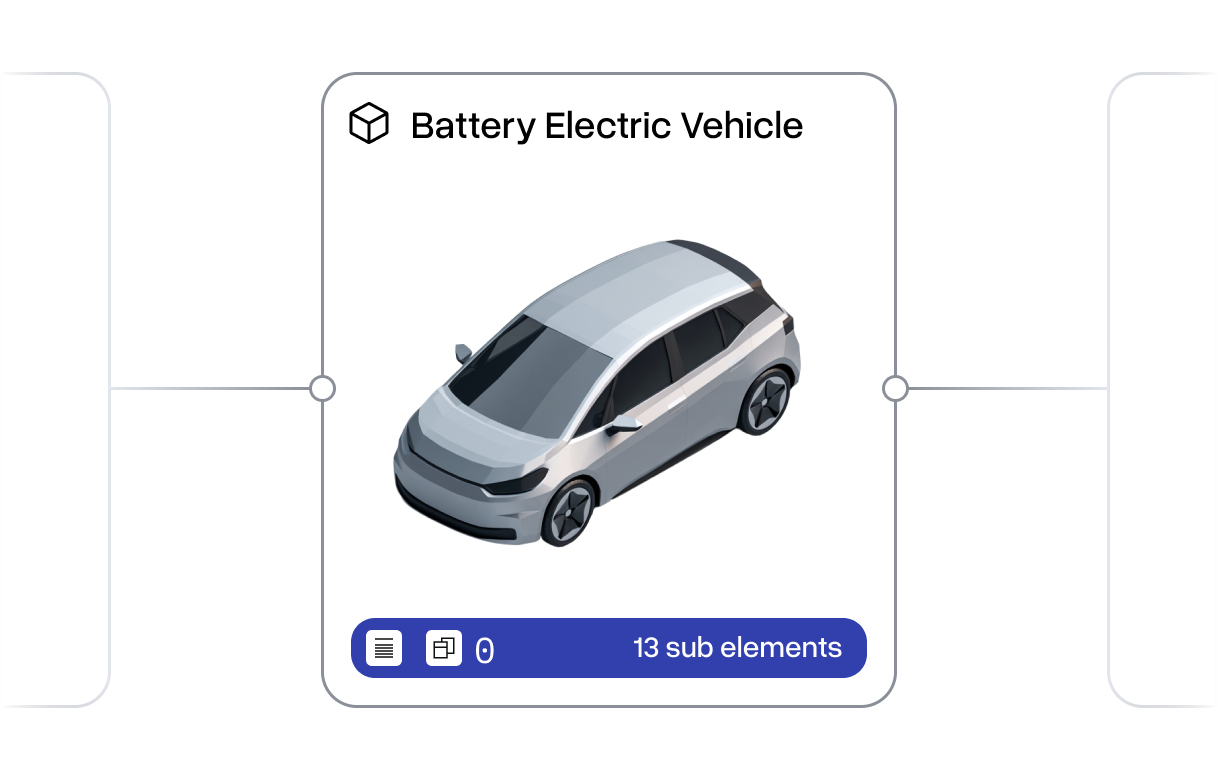
Decompose your system into subsystems, parts, and interfaces for your structural architecture.
- Learn more
Requirements Management
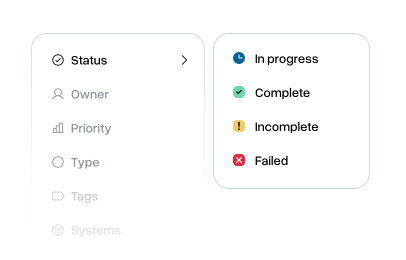
Stay on top of requirements by tracking statuses, assigning engineers, and ensuring real-time updates.
- Learn more
Mission planning
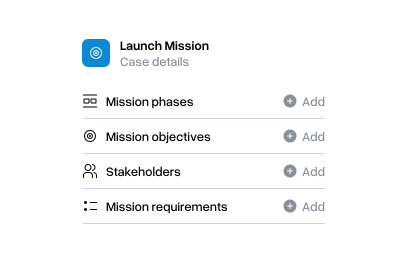
Define missions and use cases, manage stakeholders, and track program phases from concept to disposal.
- Learn more
Test Cases
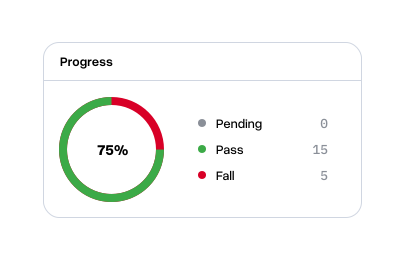
Plan, execute, and track verification and validation tests with step-by-step procedures and full traceability.
- Learn more
Safety & Hazards
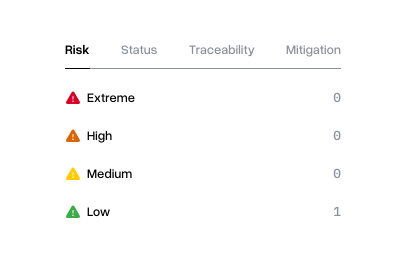
Identify hazards, assess risk using severity and likelihood scales, and document controls that reduce risk to acceptable levels.
FAQs
Everything you need to know before you get started.
Each action runs either a Python script or an Excel workbook. Upload a workbook from your device or link one from OneDrive or SharePoint, then bind the worksheet the action should use.
Can’t find what you’re looking for?
Contact us

Let’s discuss your
systems engineering challenges
Tell us what you’re building, and we’ll show you how Dalus can help.

30-minute discovery call with Sebastian
Co-founder, Dalus
No time that works? Send us a message and we’ll find one.